Slipshow is an innovative presentation tool. It's goal is to bring back the best from blackboard presentations, while using the most of what digital format allows. It's not based on slides, and offers two main modes of presentations: typed at the keyboard, and drawn on the screen. Those two modes can, and often should, be mixed freely in a presentation.
Overview
Write your presentation in a file. Describe then content, slipshow does the formatting work for you!
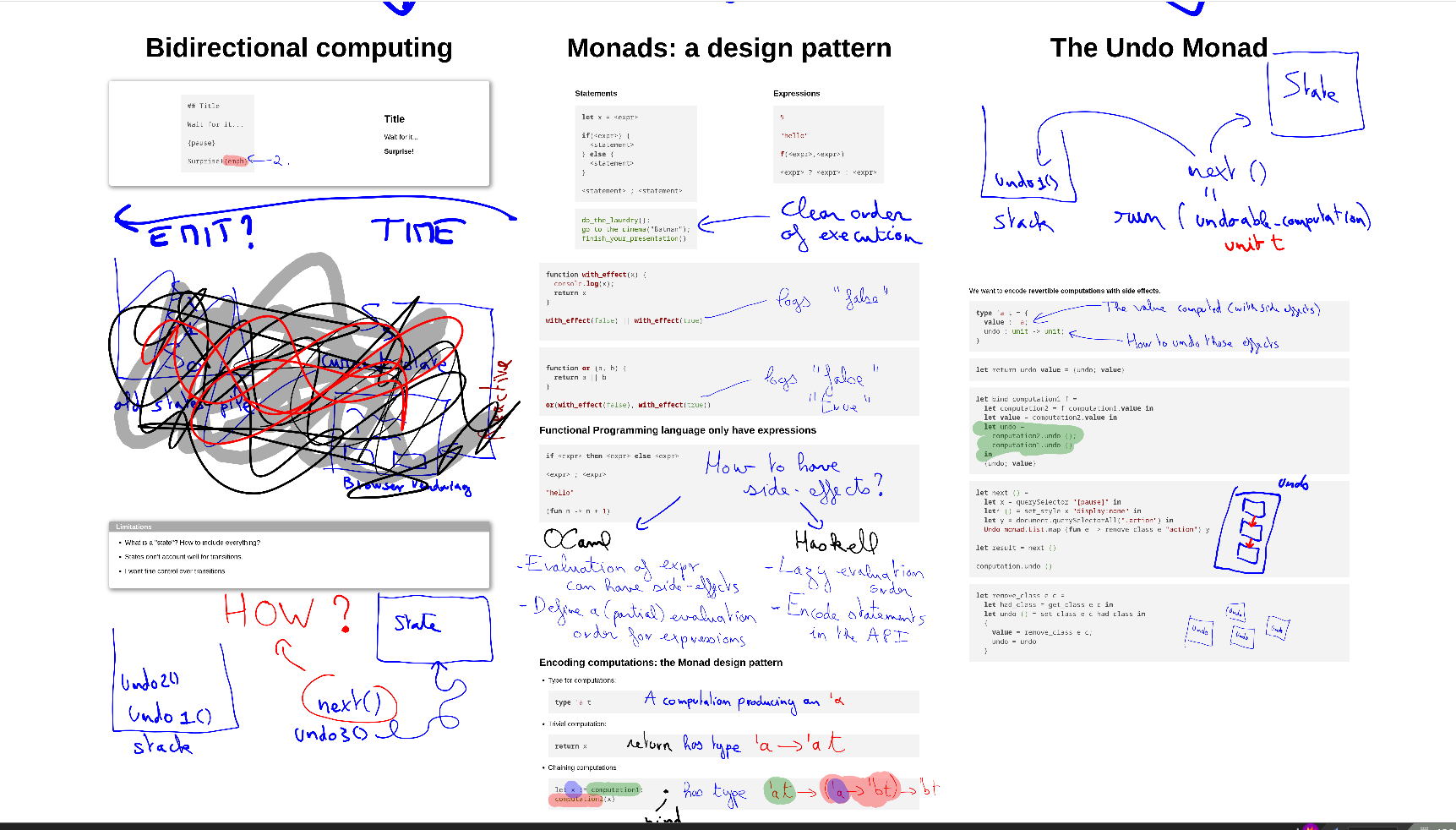
Don't be constrained by the slide size. A presentation does not need to be a discontinuous set of slides. Use scrolling to uncover free space for new content, while keeping some old content visible. Reveal content just like a papyrus.
Replay your recorded annotations. Hand drawn presentation may be less pixel-perfect, but they carry humanity, intent, and allow to draw complex figures easily.
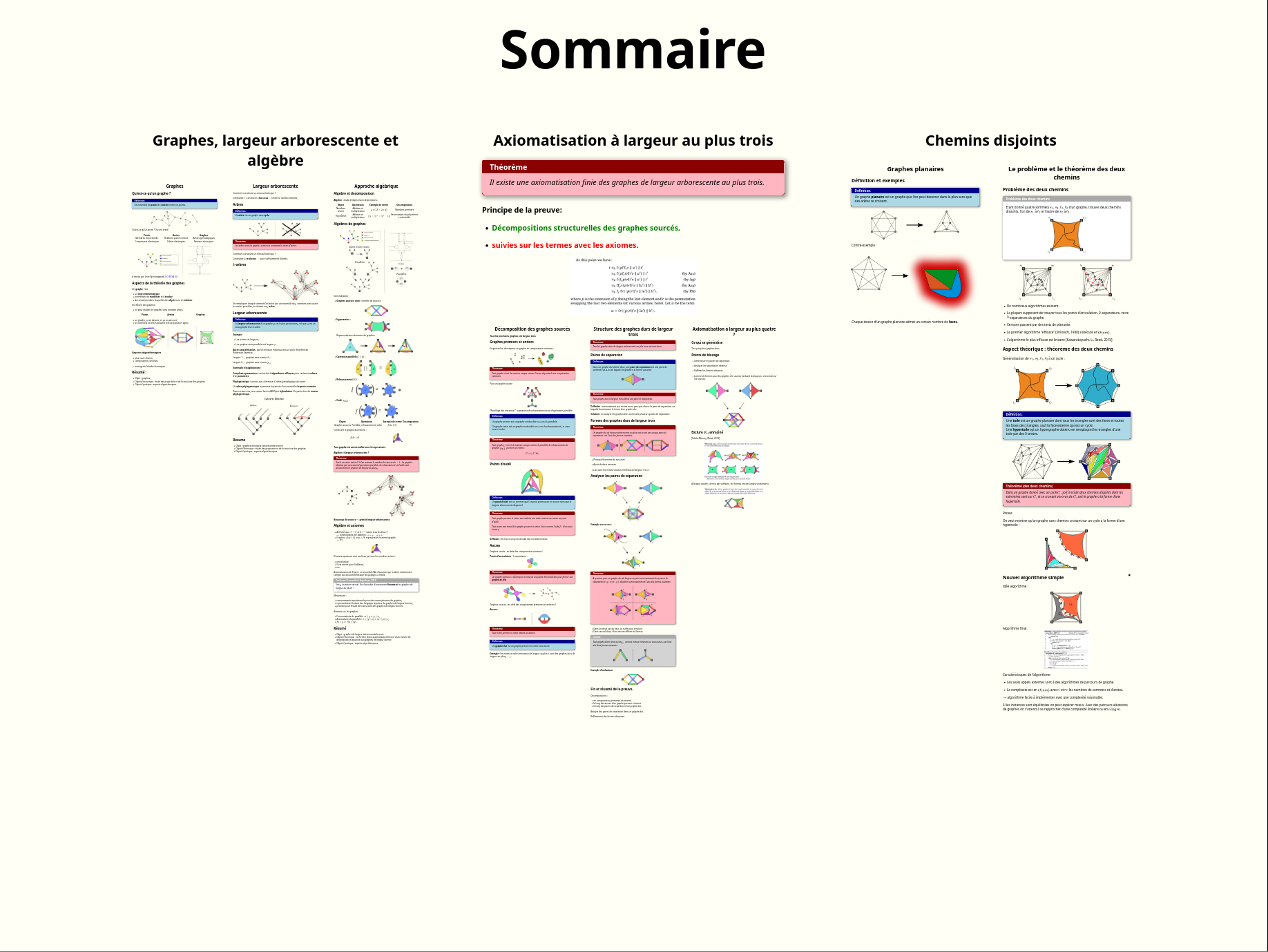
An infinite canvas for a visual structure. Organizing your content in a map makes it easy for the audience to understand the big picture.
Extreme flexibility for your presentations. Slipshow provides a good environment to run your own animations and visualizations. You can just embed Javascript and schedule it to run when you need it.
Features
-
Compile markdown files
-
Generate standalone HTML file
-
Support for scripted scrolling and zooming
-
Can annotate, record and replay the annotations
-
Mathematics support
-
Embedded syntax highlighting
-
Easily extensible with Javascript
-
Support for embedding PDFs
-
Embed videos and audio in your presentation
-
Hot-reloading when writing the presentation
-
Support arbitrary dimensions for the presentation
-
Will look the same on every screen
-
Support for speaker view and notes
-
Split your input in multiple files
-
Customizable with themes
-
live-collaboration editing with sliphub
-
Open source
Documentation
The documentation can be found at https://docs.slipshow.org. You can also ask for help in the Zulip instance!
Examples
The gallery of examples contains example of various presentations that were made using slipshow.
Quickstart
For a quick start, either try Slipshow online using sliphub, or head to the first tutorial.
Why
Why making slipshow?
While the quality of a presentation depend a lot on the skills of the speaker, the support also plays a non-negligible role. And while slides can be good in some situation, and some people master this support, it can also be very lacking, especially for technical presentations, classes, and various other situations. For instance, I was personally very disappointed when at university my classes switched from blackboard presentations to slide-based presentation, as I felt a huge decrease in quality.
I was amazed at how little innovation there is in this space. The only alternative I could think of was Prezi, where you zoomed on various parts of a big canvas.
It began as a personal tool I made for the sole purpose of my thesis defense. I wanted to make complex concepts more approachable, by using animations, and I also wanted to try the Prezi approach, while still typing it in my editor.
The whole concept has fully convinced me that it was worth turning into a general presentation tool. Since then, Slipshow has been a great sandbox for experimenting with new concepts and new ways of presenting. In particular, the record and replay for annotations has been a new gamechanger in how expressive Slipshow presentation can be, while also making them much easier and fun to prepare.
And finally, working on Slipshow has always been a great source of joy for me!
Development
Slipshow's development happens in the open. You are welcome to report a bug, contribute, or just say hi! I also answers emails at peada (at) free (dot) fr
Sponsors
I'm very grateful to NLNet for sponsoring Sliphow!
If you would like to support the project, I accept donations through GitHub sponsors.